UK CV format and layout: how to set out your CV
Updated 27 October 2026 · 8 min read
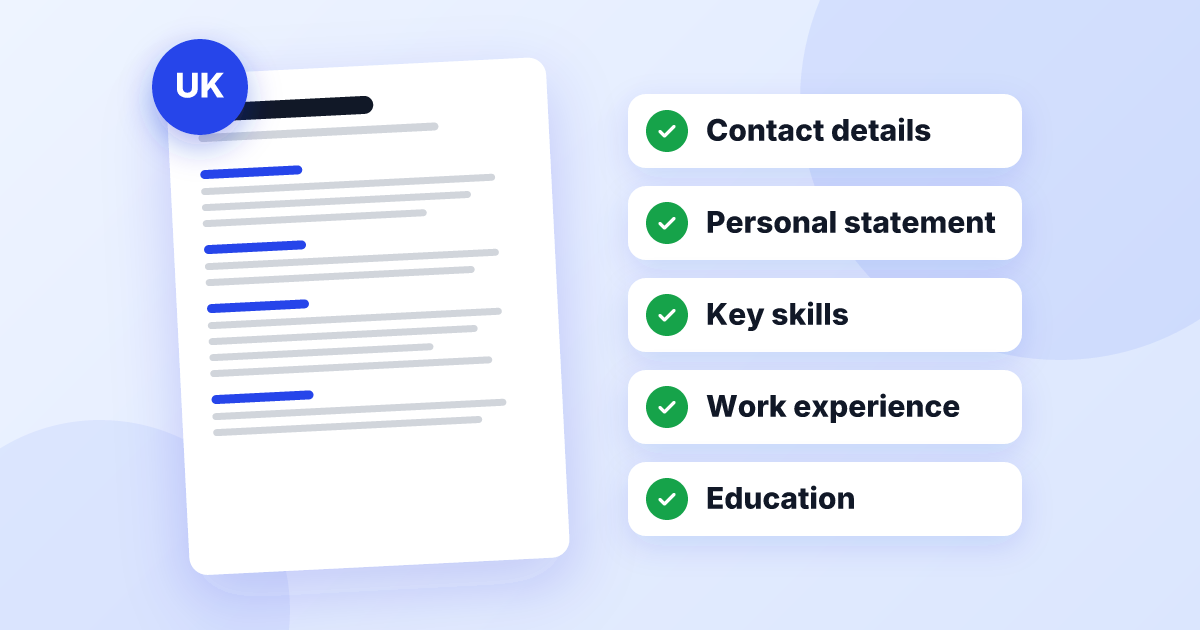
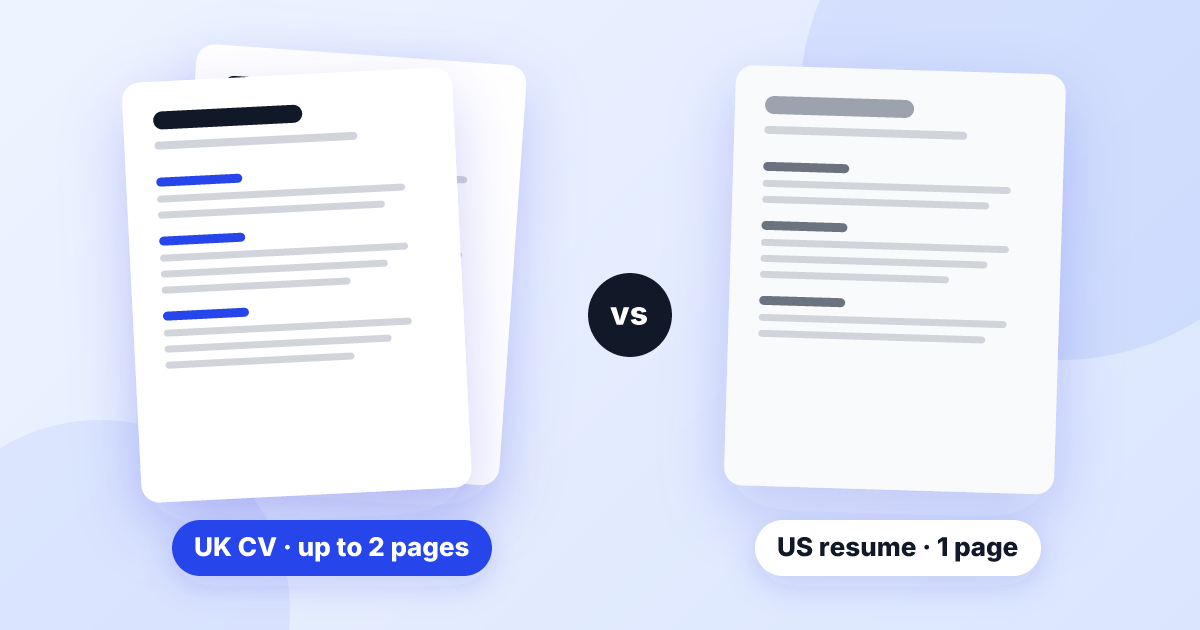
The standard CV format in the UK is a reverse-chronological CV on no more than two sides of A4: your name and contact details at the top, a short personal statement, key skills, work experience (most recent job first), education, then any useful extras. It uses a single column, a plain font, clear headings and bullet points, with no photo or personal details.
That’s the short answer. This guide shows you the UK CV format and layout at a glance, helps you choose between the three main CV formats, and gives you the exact page settings, heading styles and date layouts that make a CV look tidy and professional to a British recruiter.
The UK CV format at a glance
Here is the shape of a standard British CV, from top to bottom, with the formatting for each part. The words in square brackets are placeholders, not content to copy.
[Your full name] — largest text on the page, 16–20pt, bold
[Town or city] · [mobile number] · [email address] · [LinkedIn link, optional] — one line, normal size
Personal statement — bold heading, 12–14pt
Three or four lines of normal text, no bullet points.
Key skills
Six to ten skills on one or two lines, separated by dots, or in a short two-row list.
Work experience
[Job title] — [Employer], [Town] | [Mon YYYY] – Present
• Three to six bullet points per recent job, one or two lines each
[Previous job title] — [Employer], [Town] | [Mon YYYY] – [Mon YYYY]
• Fewer bullets as the jobs get older
Education
[Qualification], [place of study], [year] — most recent first
Additional information
Licences, certificates and languages on one or two lines
If you want to know what to write in each of these sections, our guide on how to write a UK CV goes through them one by one. This page is about how the CV is set out. If you’d like a version to copy and fill in, use our free UK CV template.
Which CV format to choose
There are three main CV formats. They contain the same information; what changes is which part leads.
Reverse-chronological (the UK default)
Jobs are listed from newest to oldest, each with its own bullet points. This is what UK recruiters expect and the format most applicant tracking systems (ATS) read most reliably. If your recent work is relevant to the job you want, this is the best CV format for you.
Skills-based (also called functional)
The CV is built around three or four skill headings, such as “Customer service” or “Project coordination”, each with examples drawn from different jobs. Your employment history shrinks to a short list of job titles and dates near the end.
It sounds appealing if your history is patchy, but many recruiters are wary of it, because it makes it hard to see what you did where and when. Some will assume you’re hiding something. Keep it for unusual cases, such as a long run of short freelance or temporary contracts that would look messy listed one by one.
Combination (or hybrid)
A short skills section with evidence comes first, followed by a normal reverse-chronological work history. This suits career changers and people returning to work, because it puts the transferable skills up front without hiding the timeline.
Relevant skills
Training and coaching: planned and delivered gym inductions for new members; trained two apprentices in front-desk procedures.
Scheduling: built the weekly class timetable for 14 instructors across two sites.
Data and reporting: kept membership records in the club’s booking system and produced monthly attendance reports in Excel.
Work experience
Duty Manager — independent leisure centre, Swindon | Feb 2022 – Present
• …followed by the usual bullet points for each job
Not sure? Use reverse-chronological
CV layout: page setup, fonts and spacing
Good CV layout in the UK is mostly about restraint. These settings work in Word, Google Docs and Pages:
- Paper size: A4. UK documents use A4, not US Letter. If you started from an American template, change the page size before you do anything else, or your page breaks will move when a recruiter prints it.
- Margins: about 1.5–2.5cm. Narrower than that looks cramped; much wider wastes space you need.
- Font: one plain font throughout, such as Arial, Calibri or Verdana. Use bold and size, not a second font, to create contrast.
- Sizes: body text around 10.5–12pt, section headings 12–14pt, your name 16–20pt. Nothing smaller than 10pt, even to squeeze onto two pages.
- Spacing: single or 1.15 line spacing, with a little extra space before each heading so the sections are easy to spot.
- Alignment: left-aligned text. Fully justified text leaves uneven gaps between words.
- Colour: black or dark grey text. A single dark accent colour for headings is fine; several colours are not.
On length: two sides of A4 is the usual limit, and one side is fine early in your career. Don’t shrink the font or margins to fit more in. Cut older or less relevant detail instead.
Headings, job entries and dates
Recruiters scan a CV by its headings and job titles, so these need to be consistent from top to bottom.
- Use plain headings people recognise: “Personal statement” (or “Profile”), “Key skills”, “Work experience”, “Education”. Creative headings like “My journey” confuse both readers and software.
- Give every job entry the same pattern: job title, employer, town, dates, in the same order and the same style each time.
- Pick one date style and stick to it, for example “Jan 2023 – Present”. Avoid numbers only (01/23), which are harder to read.
- Line dates up on the right using a tab stop, not spaces or a hidden table, so they stay aligned and software reads them in the right order.
- Use one bullet style: a simple round bullet, with each point starting with a capital letter and ending the same way throughout (all with full stops, or none).
Weak
• [RetailCo Ltd] Bristol — customer service
Assistant Manager | Mar ’20 → 12/2022, Bath
Strong
Assistant Manager — [Employer], Bath | Mar 2020 – Dec 2022
The weak version mixes three date styles and puts the details in a different order each time, so the reader has to work to follow it. The strong version can be scanned in a second.
Columns, photos and designer templates
Many free CV templates online use two columns, coloured sidebars, icons, skill bars and a space for a photo. They look striking, but they cause problems in the UK:
- applicant tracking systems can read columns and tables in the wrong order, mixing up your jobs and dates
- text in headers, footers and text boxes is sometimes skipped altogether
- skill bars and star ratings don’t tell an employer anything they can check
- photos are not expected on UK CVs, and they use up valuable space at the top of page one
A British CV that looks plain is not a weakness: recruiters care about how fast they can find what they need. If you work in a design field, show your creativity in a portfolio link rather than in the layout of the CV itself. For the full list of things that trip CVs up, see our guide on how to fix your CV.
Changing the order for your situation
The UK curriculum vitae format stays the same for almost everyone, but you can move sections up or down so your strongest material comes first:
- Students, school leavers and new graduates: education goes above work experience, and one page is enough. Our guide to writing a CV with no work experience shows the full order.
- Career changers: use the combination format above, with a relevant skills section before your work history.
- Long careers: give your last 10–15 years full entries, then group older jobs under “Earlier career” with one line each.
- Jobs that need a licence or registration (an SIA licence, CSCS card, NMC PIN or HGV Driver CPC, for example): mention it in your personal statement or key skills, so it’s on the first screen rather than buried at the end.
- Academic and research roles: academic CVs follow different conventions and are often longer, with publications and research listed. Follow the guidance from the institution or your field.
- Coming from abroad: keep the UK layout rather than your home country’s. Our UK CV vs US resume guide lists what to change.
Saving and sending in the right format
The file format matters as much as the layout, because it decides what the recruiter actually sees.
- PDF by default. It keeps your layout exactly as you designed it on any computer or phone.
- Word (.docx) when asked. Recruitment agencies often prefer Word so they can format CVs consistently before sending them to clients. Follow what the advert or recruiter says.
- Export properly. In Google Docs or Pages, download or export as PDF or Word rather than sending a share link, which may need permission to open.
- Check page two. Make sure a job entry isn’t split with its title at the bottom of page one and its bullets on page two. Insert a page break before the job if needed.
- Name the file clearly, with your name and “CV”, for example Tom-Ellis-CV.pdf.
Test it like a recruiter
A final format check
Run through these points once your content is finished:
- Set to A4, with margins of roughly 1.5–2.5cm on every side
- One plain font, body text no smaller than 10pt
- Your name is the biggest thing on the page, with contact details on one line beneath it
- All section headings look the same and use standard names
- Every job entry follows the same title, employer, town and dates pattern
- One date style everywhere, lined up with a tab stop
- A single column, with nothing important in the header, footer or a text box
- No job entry split awkwardly across the page break
- Saved as a PDF (or Word, if asked) and opened once to check it
To see all of this put together on a real-looking CV, look at our full UK CV example.
If formatting is the part you dread, you can turn your CV into a UK-format CV with UK CV Fix. Upload your current CV or answer a few questions, and we’ll set it out in a clean, single-column UK layout, tailored to the job you want and ready to download as Word or PDF.
The right CV format in the UK is the one that gets out of the way: reverse-chronological for most people, a single column, one plain font and consistent headings and dates. Get the layout right once, save it as a master copy, and you can then spend your time tailoring the content for each job.
Frequently asked questions
Is there an official CV format in the UK?
No. There is no legal or official template, but UK employers expect a familiar shape: your name and contact details, a short personal statement, key skills, work experience with the most recent job first, then education. Following that convention makes your CV quicker to read.
What is the best CV format for most people in the UK?
Reverse-chronological, with your most recent job first. It is what recruiters expect and what screening software reads most reliably. A combination format can help career changers, and a fully skills-based CV is best kept for unusual situations.
What font and size should a UK CV use?
Use a plain, widely available font such as Arial, Calibri or Verdana. Around 10.5 to 12 point works for body text, with your name and section headings a little larger or in bold.
Should a UK CV be in Word or PDF format?
Send a PDF unless the employer or agency asks for Word. A PDF keeps your layout fixed on any device, while some agencies prefer Word so they can add their own branding.
Can I use a two-column CV layout in the UK?
It is safer not to. Columns, tables and text boxes can be read in the wrong order by applicant tracking systems, which jumbles your details. A single column with clear headings is easier for both software and people.